
For a fatigue-free, healthier you.
It's easy to lose track of time while you're in front of a computer. You need an ally to help you out.

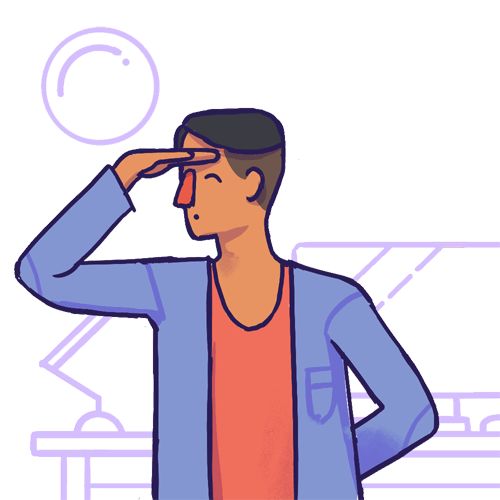
Your eyes are not meant for constant focus on close objects
While working on your PC, you tend to blink lesser and your eyes are at a constant focus for hours at a stretch.
The 20-20-20 rule suggests that every 20 minutes, you look away about 20 feet in front of you for 20 seconds.
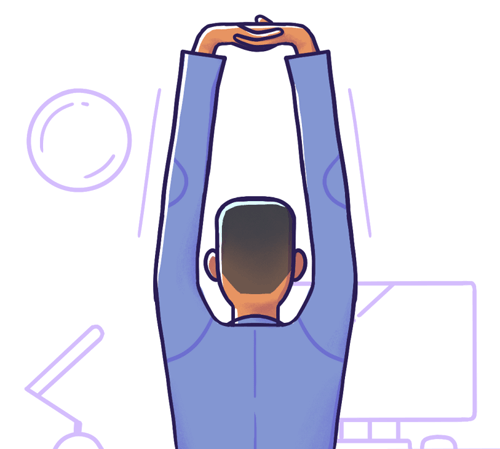
You're more prone to computer-related repetitive stress injuries
Repetitive strain injury (RSI) in hands and wrists, back aches, spine-related issues and carpal tunnel syndrome are some results of poor sitting postures and prolonged usage of computers.
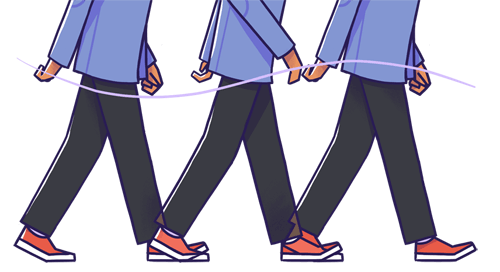
Sitting for long increases the risks of health issues multi fold
Sedentary work increases the risk of heart diseases and diabetes to name a few.
If you are not taking hourly breaks, you will be more prone to back pain and other health issues.
Simple, yet wholesome
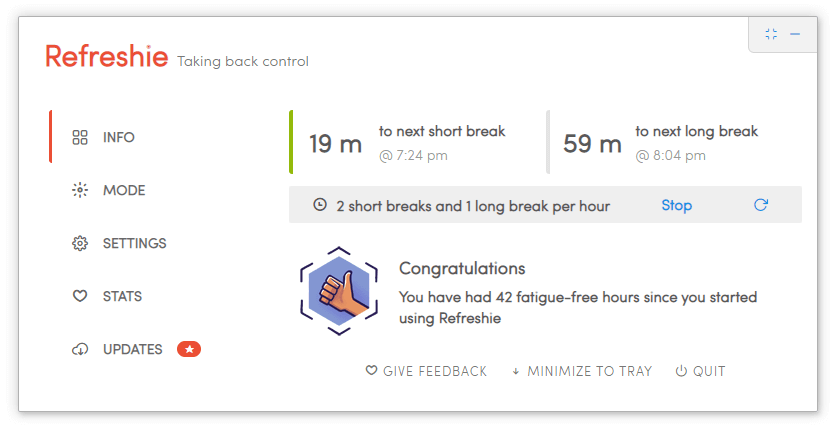

Refreshie sits quietly in your tray and nudges you when you've been at it too long. No account, no cloud, nothing to babysit.
Zen Features
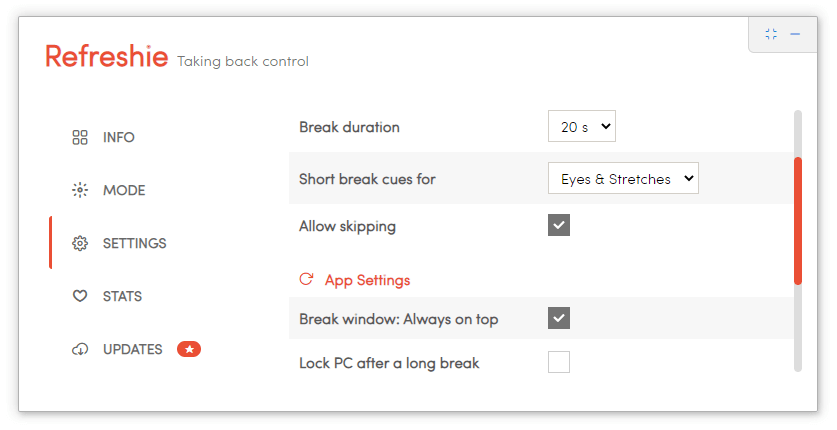
- Short break every 10, 15, 20 or 30 minutes
- Long break every hour
- Configurable break style, configurable skips
- Lock PC automatically after a long break
- Automatically stop/restart breaks
Things you should know
No. There are some small nuances you need to know about
 Windows
Refreshie works the best on Windows. This is mainly because Power Events sent by Windows are easily accessible,
and it helps Refreshie to properly pause/restart breaks on lock, unlock, PC suspend events
 Mac: Known issues
• [SECURITY] Since you are downloading the app from an external source and not the App Store, you need to tell Gatekeeper to 'allow' to open the installer (Ref: `Open a developer-signed or notarized app` section at https://support.apple.com/en-us/HT202491 )
• [APP] Auto-restart of break on unlock/system resume is missing.
 Linux: Known issues
• To automatically lock the PC after a Long break, you need to install gnome-screensaver as Refreshie uses it to lock the system.
• Auto-restart of break on unlock/system resume is missing.
You will have to pause Refreshie manually before doing a presentation, watching a movie or playing a game.
I want to use Refreshie, and share it with my family and friends
Refreshie is free for personal use. You may freely use it on all your personal computers, and you may also freely share the app's Installer with anyone in your friends network.
I want to re-brand it and distribute the derivative app within a small network
You can get a Startup/Enterprise license as you are not re-selling the code
I want to re-brand it and sell it as my own
This requires the source code + reselling rights as it comes under commercial-usage